
Open Photos → Collections → Utilities → Duplicates and merge exact copies. If several photos look alike but do not appear there, compare them as similar shots in Mochi, keep the best image and review the rest before deletion.
Exact duplicates and similar photos are different problems
An exact duplicate is a repeated copy that iPhone can identify with high confidence. Similar photos are separate images of the same subject: a burst, several portraits, repeated screenshots or multiple attempts at the same composition.
Automatic merging is well suited to exact duplicates. Similar photos need judgment because focus, expression, framing and personal meaning can differ even when the thumbnails look almost identical.
1. Use Apple's built-in Duplicates collection
- Open the Photos app.
- Tap Collections.
- Scroll to Utilities and open Duplicates.
- Review a set and tap Merge, or select multiple sets before merging.
Apple says the merge keeps one version with the highest image quality and relevant data. The redundant copies move to Recently Deleted, where they remain recoverable for the normal retention period.
If the Duplicates collection does not appear, the device may still be indexing the library or may not have found exact duplicates.
Read Apple's current Duplicates instructions
2. Find the near-duplicates Apple does not merge
After exact copies are handled, the bigger opportunity is often repeated shots. Mochi can surface duplicate and similar groups, then show the alternatives together. This helps with:
- Portraits where only one expression is right.
- Bursts with small changes in focus or motion.
- Travel photos taken from nearly the same position.
- Repeated screenshots of the same page or conversation.
- Edited and unedited versions that you no longer need separately.

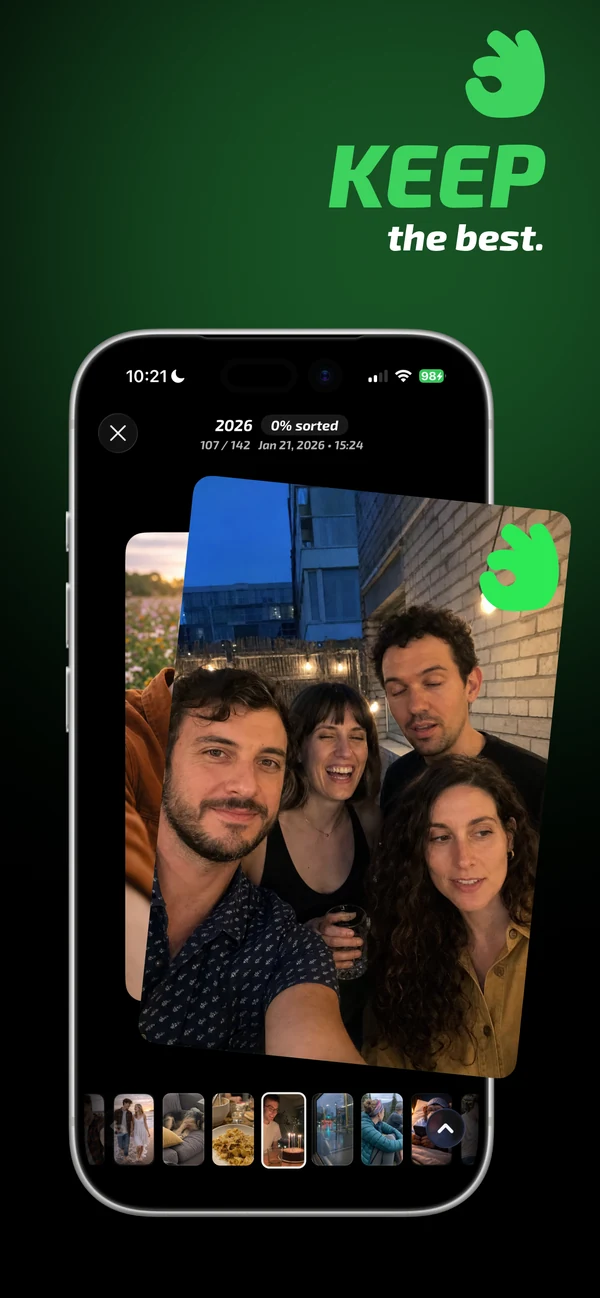
3. Choose the best frame with a repeatable checklist
When several shots are close, check them in the same order: sharpness, facial expression, subject movement, composition and whether one image has unique context. Keep the image that wins most of those checks, not simply the newest or largest file.
If two photos tell different parts of the moment, keep both. Duplicate cleanup should reduce redundancy, not erase useful sequence or meaning.
4. Review the delete candidates and reclaim space
Before applying the batch, inspect every marked photo at full size. After deletion, the files normally move to Recently Deleted for up to 30 days. Empty that collection only when you are certain and need the storage immediately.
Common questions
Can iPhone delete all duplicate photos automatically?
Apple Photos can identify and merge exact duplicates, but it still presents the sets for review. Near-identical photos are not safe to delete automatically because they may contain meaningful differences.
Why do duplicate photos come back?
Copies can return through imports, messaging apps, shared libraries, edits or another synced device. Confirm the source before repeatedly deleting the same files.
Does merging duplicates reduce iCloud storage?
It can, because iCloud Photos syncs the library change. The redundant files remain in Recently Deleted until permanently removed or until the retention period ends.