
Choose an iPhone camera roll cleaner that processes photos on-device, lets you work by year or album, handles similar shots, and shows every delete candidate before applying changes. Test it on a small batch and confirm the free limits and purchase options are clear.
First, define the cleanup job you actually have
"Camera roll cleaner" can mean several different tools. Some focus on exact duplicates, some compress videos, some use swipe decisions and some bundle contact or calendar cleanup that has nothing to do with photos.
Write down the primary problem: too many screenshots, repeated event photos, a multi-year backlog, full device storage or difficulty deciding what to keep. The best product is the one whose core workflow matches that problem.
1. Verify what happens to your photos
Photo access is sensitive even when an app needs it to work. Look for a direct statement about whether images are uploaded, how analysis is performed and what analytics are collected. Read the privacy policy rather than relying only on an App Store badge.
Mochi processes the photo library on-device for sorting and does not upload your photos to its servers for the cleanup experience. iOS still controls the library permission, including limited access.
2. Require a review step before deletion
A cleaner should distinguish between a recommendation, a marked decision and an applied deletion. Avoid a workflow where a single accidental gesture permanently changes a large batch without showing the result first.
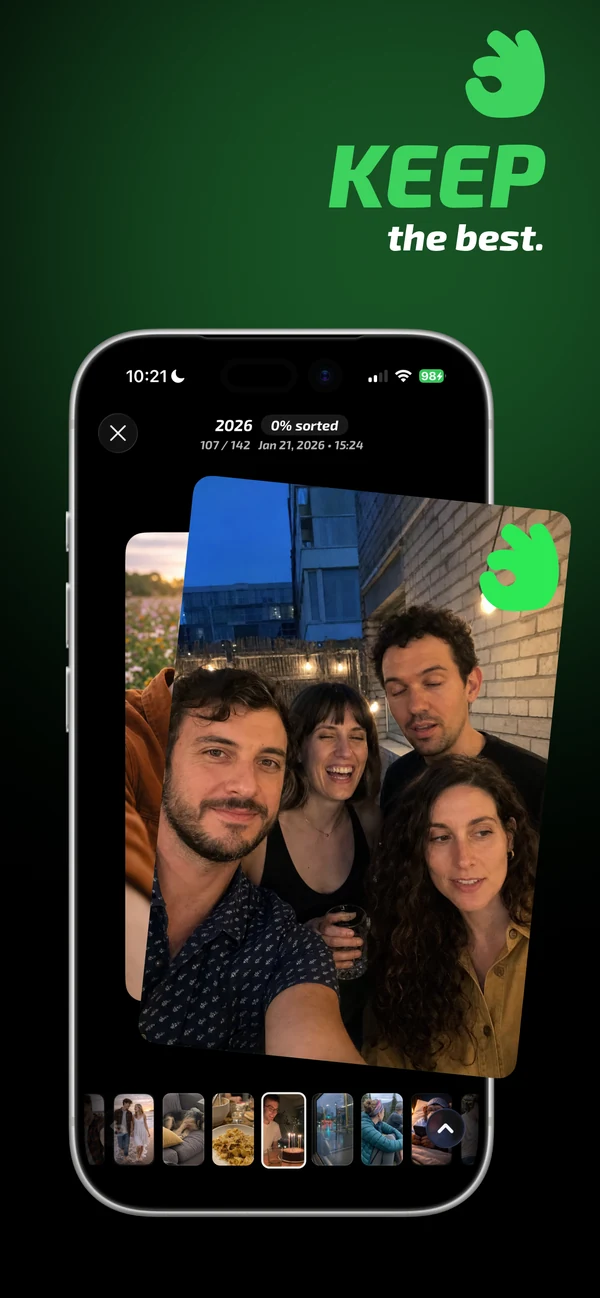
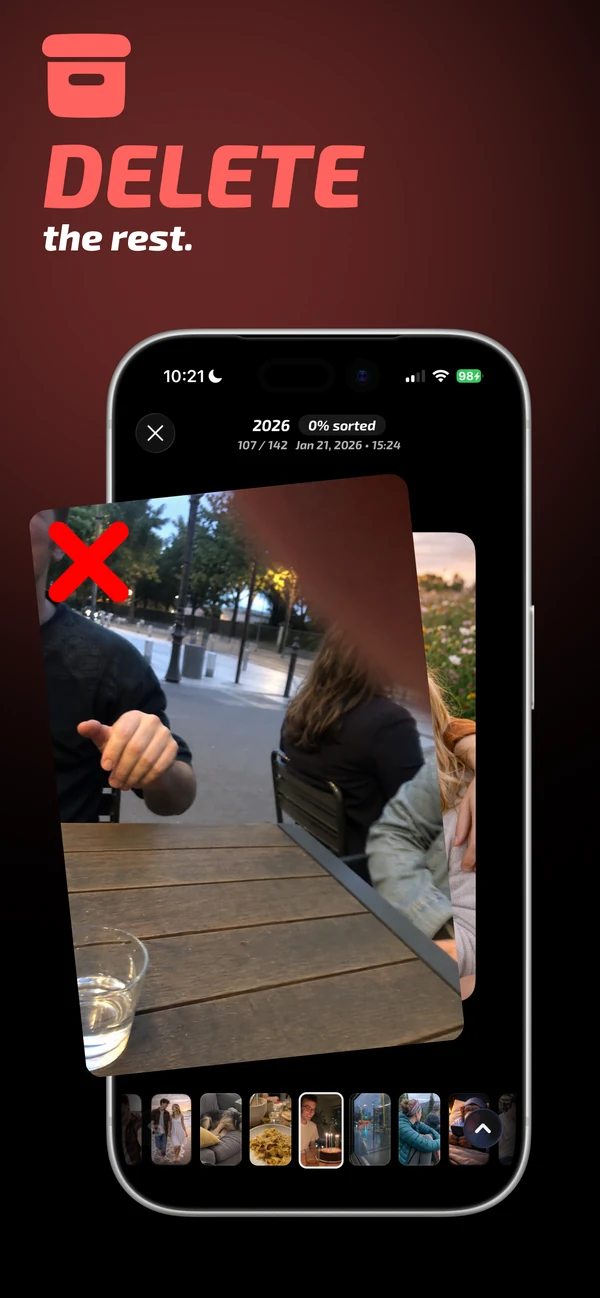
Mochi records keep, archive and delete decisions, then lets you review the batch before applying it through the Photos framework. Normal deletions still follow Apple's Recently Deleted behavior.
3. Match features to the shape of your library
- Years: useful when the backlog is large and you need a finish line.
- Albums: useful for screenshots, trips, work and existing categories.
- Similar-photo comparison: useful for bursts and repeated portraits that are not exact copies.
- Photos, videos and Live Photos: important when cleanup goes beyond still images.
- Progress and bytes saved: useful when motivation or storage is the goal.
A long feature list is less valuable than a short workflow you will repeat. Try a representative batch and judge whether the app reduces decisions or merely adds more screens.
4. Inspect free limits and pricing before a long session
Many cleaner apps use subscriptions, one-time options, ads or swipe limits. Check the pricing shown in the App Store and the paywall before investing time in a large scan. The product should explain what remains free, what unlocks with payment and whether a trial renews automatically.
Mochi is free to download. Available plans and prices are shown in the app and can vary by storefront, so the App Store purchase sheet is the final source.
5. Run a low-risk test
- Give access to a limited set of non-critical photos if you prefer.
- Open one small album or year.
- Make keep, archive and delete decisions.
- Confirm the review screen clearly shows the consequences.
- Cancel the batch once to verify you remain in control.
- Apply a small reviewed batch and inspect Photos afterward.
This test tells you more than screenshots or ratings because it uses your decision style and your actual library structure.
Common questions
Are free camera roll cleaner apps safe?
Price alone does not determine safety. Check the developer, privacy policy, data-use disclosure, permission scope and deletion controls. A free app can still monetize through ads or subscriptions.
Should a photo cleaner use AI?
Automated similarity can narrow a large library, but the final decision should remain visible for personal photos. Exact duplicates are safer to automate than subjective best-shot selection.
Can I use limited Photos access?
iOS supports limited library access. Mochi can work with selected photos, though a small set may reduce what duplicate, year and album analysis can find.